
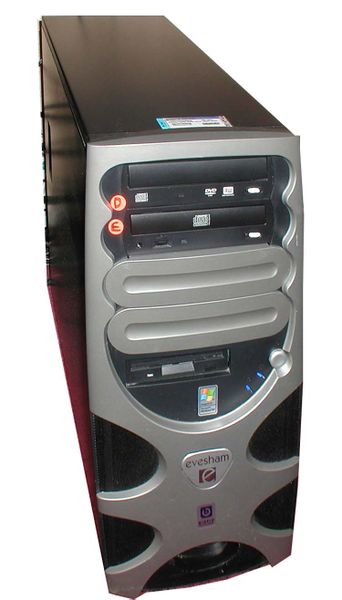
To clean the inside of your PC safely:
Firstly check out the owner’s manual to find out if the manufacturer has provided any specific cleaning information . If they haven’t , follow the instructions below .
1 . Get the following equipment : a can of compressed air ( available from Dick Smith Electronics or Officeworks ) , a specialised electronics cleaner ( such as Endust for electronics ) or any household plastic or metal cleaning fluid , a soft brush ( such as a paintbrush ) and an anti-static rag , plus a dust mask if you’re allergic to dust .
2 . Turn off the PC .
3 . Leave the computer plugged into the surge protector ( if you have one ) .
4 . Disconnect all peripherals from the PC .
5 . Remove the PC cover ( check your owner’s manual for instructions ) .
6 . Ground yourself to the computer with any professional grounding equipment or by touching a metal part of the chassis .
7 . Spray compressed air on the fan blades , power source chassis , drive chassis and circuit boards .
8 . Carefully brush off dust that the compressed air didn’t dislodge .
9 . Clean any remaining dust out from the bottom of the chassis .
10 . Spray your specialised electronics cleaner or another cleaning fluid onto an anti-static rag .
11 . Wipe the inside and outside of the cover carefully .
12 . Put back the cover and reconnect the peripherals .